LoZ Too
An online adventure game for Windows.
What is this? LoZ Too is a free multiplayer game made by a small team. The launcher only downloads and updates the game files from this project's GitHub repository, which has the source and every release. It doesn't ask for payment details and doesn't install anything else.
- Put
LoZLauncher.exein its own folder (not Program Files). - Run it. It downloads the game into a
gamefolder beside it. - Press Play. The launcher keeps the game up to date for you.
About the game
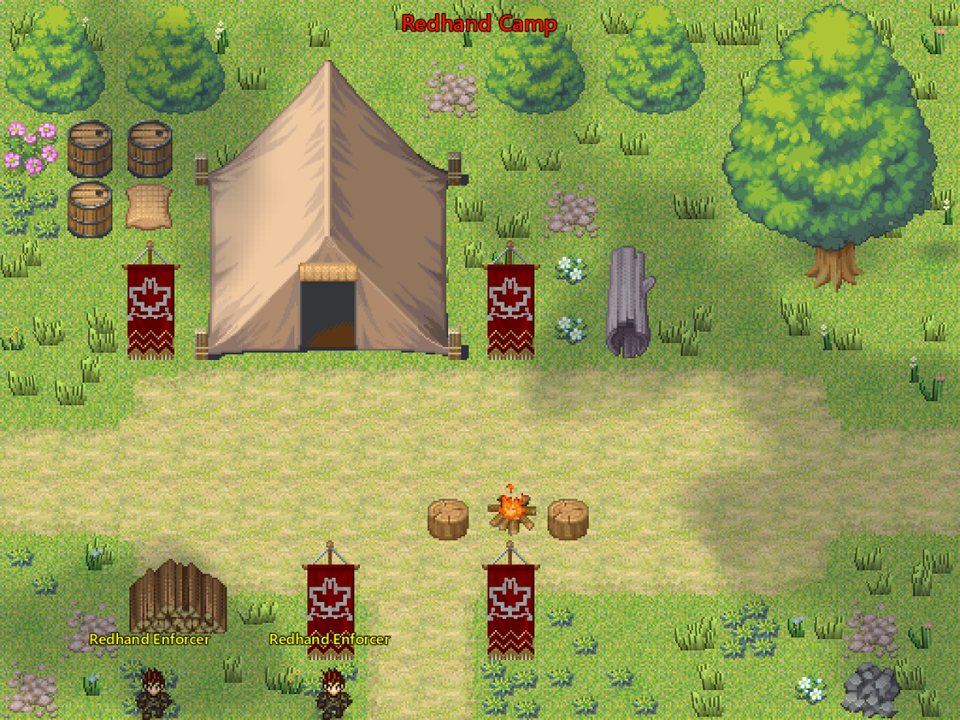
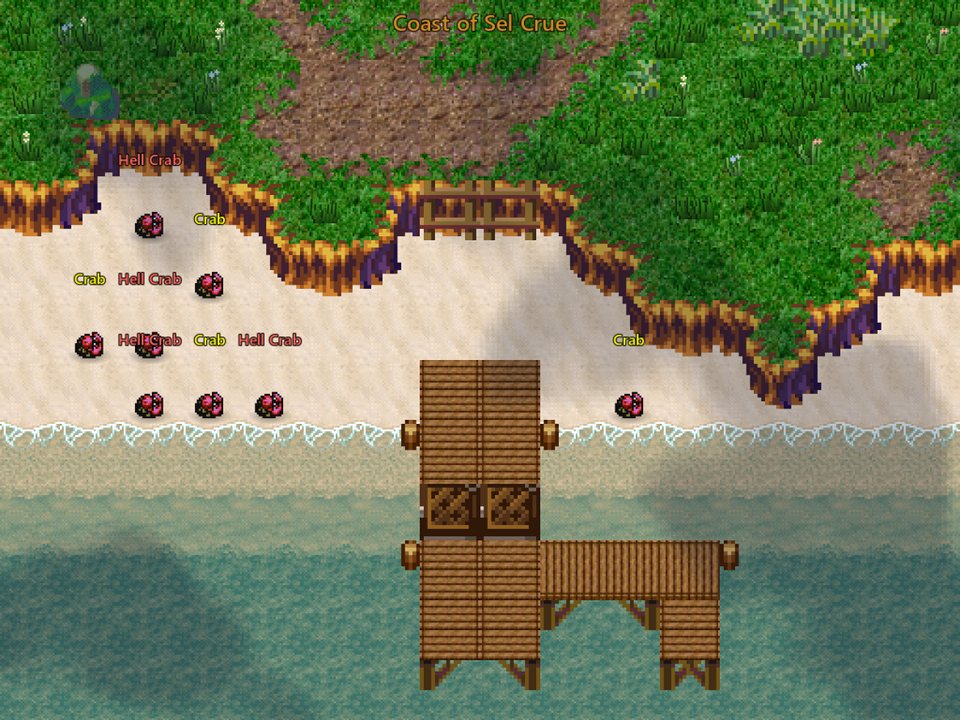
LoZ Too is a free online multiplayer RPG with classic top-down pixel art. You explore hundreds of hand-made maps, from the town of Haven and its docks to icefields, island forests, caves and citadels. Along the way you fight monsters, take on quests and collect gear with other players.
Eight classes
Play as a Dragoon, Samurai, Cleric, Hawk Eye, Monk, Sorcerer, Rogue or Summoner. Each class has its own skills, spells and weapons, and you spend stat points as you level.
Dungeons, raids and the Endless Abyss
Run dungeons, call raid bosses with raid tokens, and see how deep you can go in the Endless Abyss. Each boss floor there has a named champion. Bosses telegraph their big attacks, so step off the marked tile to dodge them.
Loot and crafting
Gear drops in different rarities with bonus stats. Put runes on your weapons, mine ore with pickaxes, and buy high-level sets with materials from the toughest areas.
Play together
Join a guild, form a party, trade with other players, send mail, and buy and sell at the auction house. You can also pick up hunts from the Hunting Board.
Goals to chase
The Achievement Book has chapters and tiers, and rewards include titles, damage styles, items and gold. There's also a ladder, titles to wear, and cosmetic damage styles you can collect and trade.
You can play with keyboard and mouse or an Xbox or PlayStation controller. New updates come out often, and the launcher installs them for you.
Screenshots
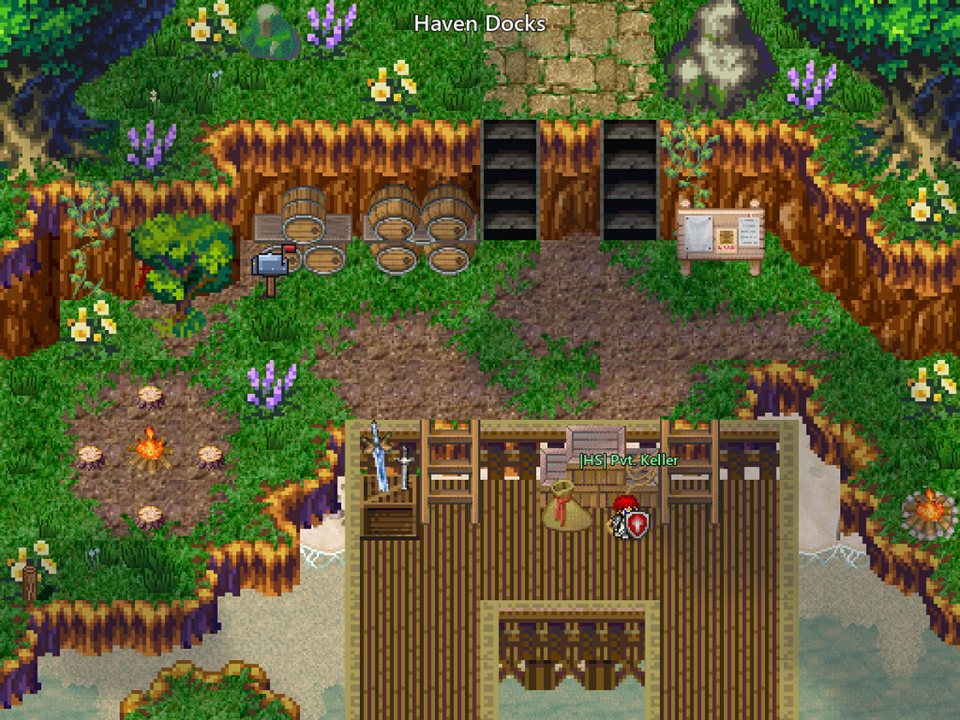
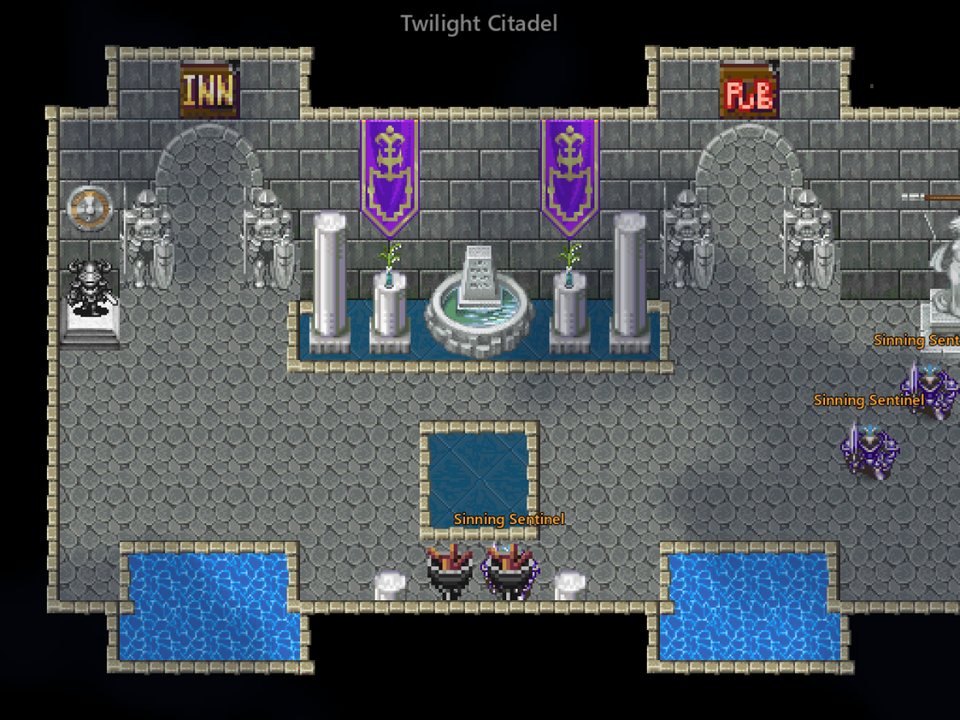
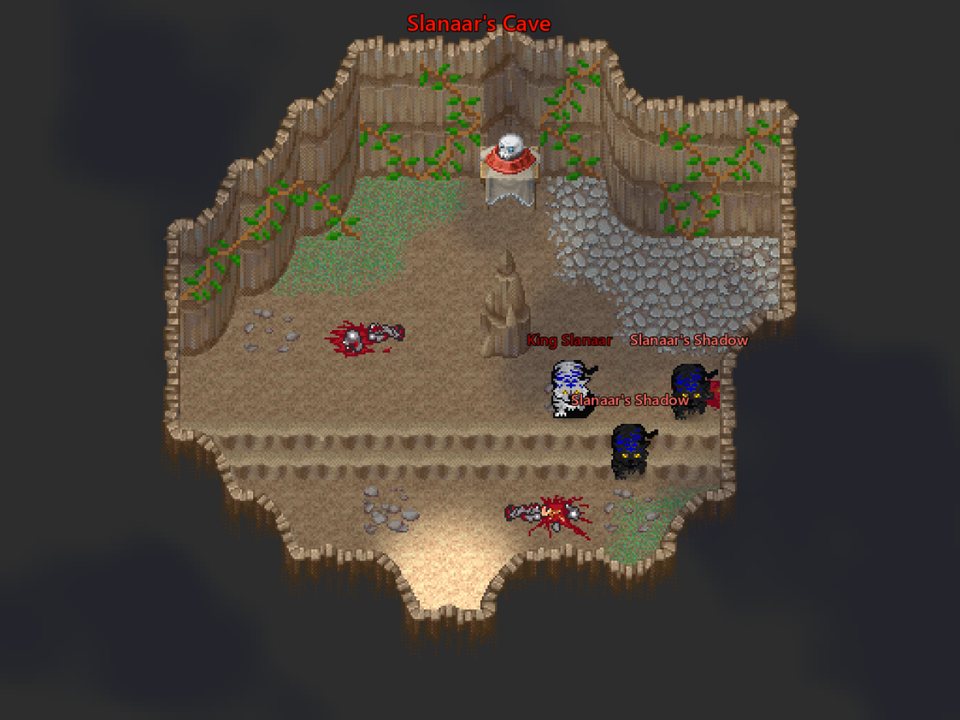
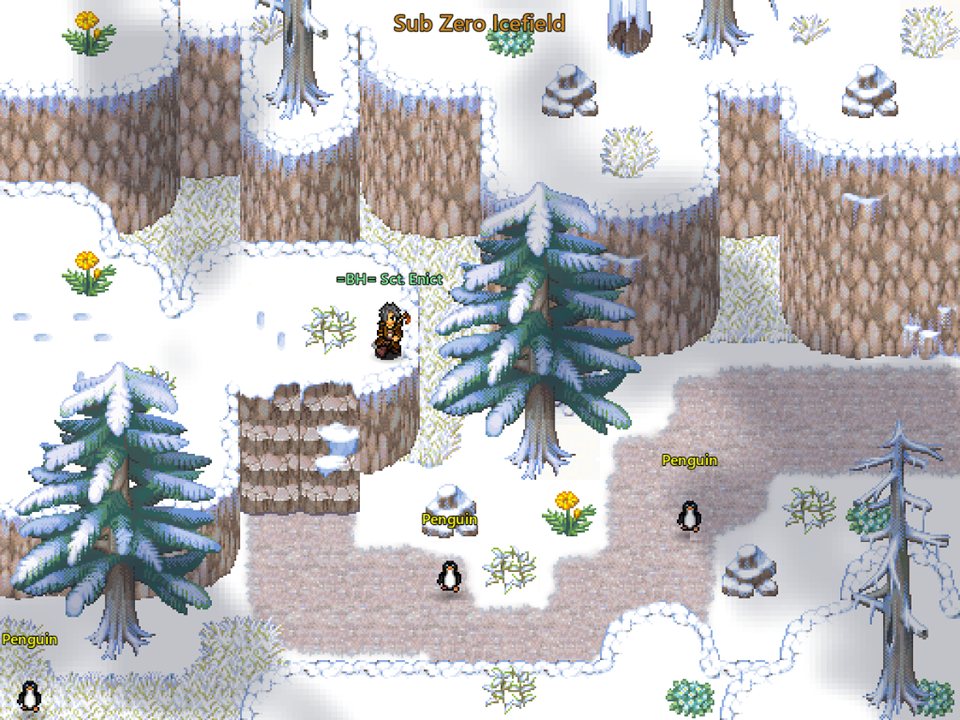
Patch notes
Loading patch notes…
FAQ
Windows says the launcher isn't safe
The launcher isn't signed, so Windows warns about it. Choose More info, then Run anyway.
How do I update the game?
You don't need to do anything. The launcher checks for a new version every time it starts and installs it.
The game won't start or won't update
Make sure the launcher is in its own folder that you can write to (not Program Files), then run it again. If it still fails, ask in the Discord.
How do I report a bug?
In game, type /bug followed by what went wrong, for example /bug the shop window won't close after I sell. It goes straight to the team. You can also post in the Discord.
Where can I see the chat commands?
Type /help in game for the full list.